Small business paperwork
How to keep invoices and expenses organized all year, without another monthly bill
A simple weekly routine for freelancers, contractors and small service businesses, plus an honest look at one invoicing and bookkeeping program you pay for once.
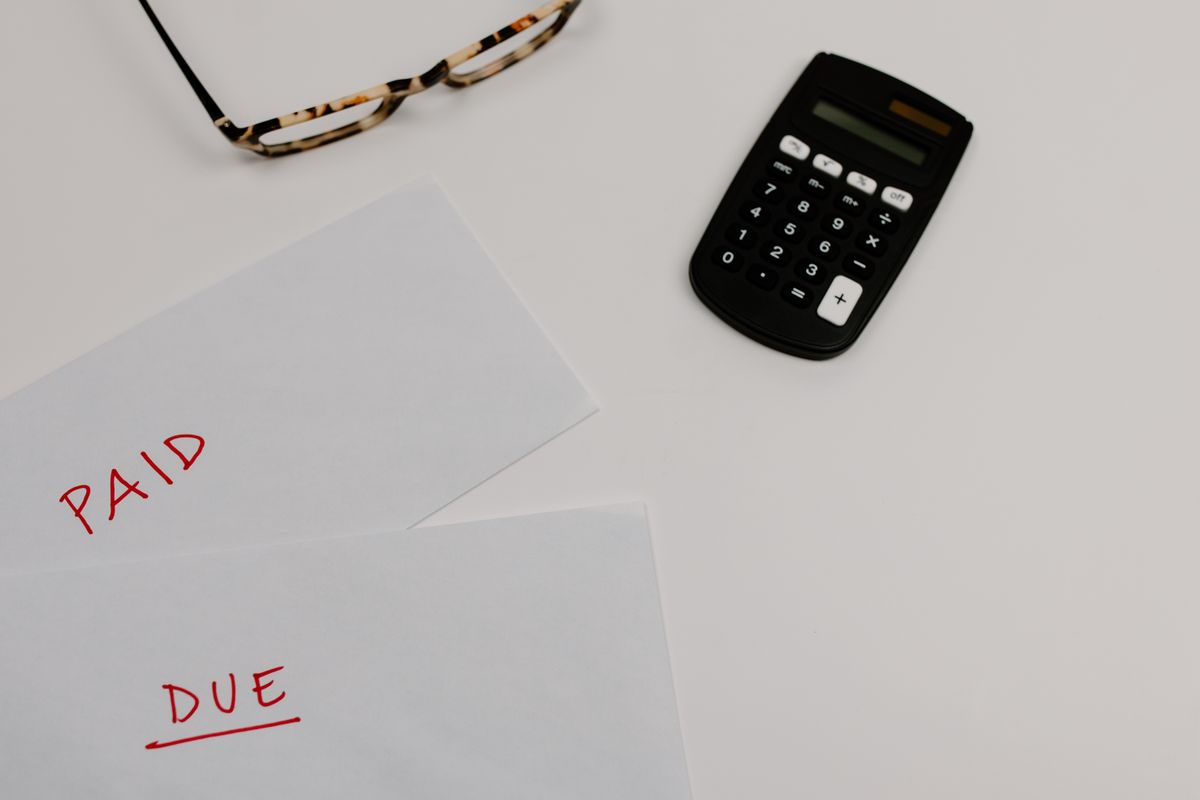
The problem: paperwork piles up quietly
Most year-end scrambles start the same way: receipts in a drawer, invoices in three different formats, and no clear picture of who has paid and who has not. A routine that takes a few minutes a week removes most of that stress.
Here is a seven-step routine you can start this week with a notebook, a spreadsheet or software. It is general guidance, not tax advice, and the rules for records differ from place to place.
- Invoice each job on the day it is done. Number your invoices, put the due date on them and use the same layout every time.
- Track the status of every invoice. Billed, paid, partly paid or overdue. A polite reminder sent on time is a simple next step when a payment is late.
- Capture receipts as you go. A photo or scan, with the date, the vendor, the total and the category.
- Reconcile once a month. Compare your bank or payment-app statement with your records and look for missing receipts or duplicates.
- Keep business and personal spending apart, ideally in separate accounts.
- Log business mileage if you drive for work, with the date, purpose and distance. Ask a tax professional what is deductible where you live.
- Back up your records and keep them as long as your tax rules require.
A routine that takes a few minutes a week removes most of that stress.
About Daily Invoice Maker
If you would rather not rebuild that routine in a spreadsheet, one option we came across is Daily Invoice Maker: invoicing and bookkeeping software for contractors, service pros and freelancers, sold by D’Online Store of Laguna Beach, California. It is a program you install on your computer, and it is sold as a license you pay for once.
We have not used the software ourselves. Everything below comes from the seller’s own pages, checked on November 10, 2026.
What it does, according to the seller
- Estimates that convert to invoices when accepted, and invoices as PDF, JPG or print
- Bulk invoicing: create and email invoices for a whole customer list at once
- Payment tracking by customer: billed, paid, partly paid, still owed and overdue
- Reminder emails with the invoice attached, with 24 ready-made drafts (optional AI-written drafts use your own key)
- Bank statement import in 16 formats, including Venmo, Cash App, PayPal, Stripe and Zelle
- Receipt scanning that reads merchant, date, total and category, and checks for duplicates against bank rows
- Mileage logging, sales-tax totals, and tax-prep summaries (Schedule C and E) with a file TurboTax can import
- 12 invoice templates, 24 currencies, VAT and GST support, and separate books for each business
The seller says your data stays on your computer and that cloud sync is optional and off by default. The Android app is sold separately in Google Play. The tax-prep features refer to US forms and help you organize records; they are not tax advice.
Who it may suit, and who it probably won’t
- May suit you: freelancers, contractors and service pros who prefer to pay once and keep their records on their own computer, including when working offline
- Probably not for you: if you want a cloud-first or phone-first tool. The program runs on Windows, macOS and Linux, and the Android app is separate
- Probably not for you: if you need payroll or a multi-user setup. The seller does not describe those features
- Check first: the tax-prep tools follow US forms. If you file taxes elsewhere, ask your accountant what you need
When to talk to a professional
Software does not replace professional advice. Ask a CPA, enrolled agent or accountant about deductions, filing, sales tax and how long to keep records. For setting up or changing a business, check the rules where you operate.
Important information
- This page is promotional content. We make no promises about time saved, taxes owed or refunds received.
- The seller’s tax-prep exports organize your records. They do not predict how a return will turn out.
- Features, prices and terms are set by the seller and may change.
How access works
Per the seller, you pick a license, pay at a ClickBank checkout, and receive the license key right after payment. You then install the program for your system (Windows 10 or 11 in 64-bit, macOS 12 or later, or 64-bit Linux). The Lifetime License covers 2 computers and includes updates. The 1-Year License covers 1 computer and does not renew automatically. ClickBank handles refunds for 60 days after purchase.
Offer details
Product sheet
- Product
- Daily Invoice Maker
- Seller
- D’Online Store, 1968 S. Coast Hwy #2175, Laguna Beach, CA 92651, USA. Support: [email protected]
- Format
- Desktop software for Windows 10/11 (64-bit), macOS 12 or later and 64-bit Linux. Works offline.
- Lifetime License
- $149.95, one payment. 2 computers, updates included, no recurring fee, per the seller.
- 1-Year License
- $59.99, one payment. 1 computer, no automatic renewal, per the seller.
- Refunds
- 60-day refund through ClickBank, the retailer
- Checked on
- November 10, 2026. Prices can change.
The Android app is sold separately and is not included in either license.
What you will find when you click
- Each button below opens the secure ClickBank checkout for that license in a new tab. The seller’s own page is donlinestore.com if you want to read more first.
- The checkout is run by ClickBank, the retailer that processes payment and refunds. We do not sell the software, take payments or see your order.
- We may earn a commission if you buy, at no extra cost to you.
- Before you pay, check the price, the license type and the refund terms on the checkout page.
Frequently asked questions
Is it a subscription?
The seller describes both licenses as one payment. The 1-Year License does not renew automatically. Confirm on the checkout page before you pay.
Does it work on my phone?
The program is made for desktop computers. The seller sells an Android app separately in Google Play, and it is not included in the licenses.
Where is my data stored?
The seller says it stays on your computer, with cloud sync optional and off by default.
Can I get a refund?
The seller says you can ask for a refund within 60 days of purchase through ClickBank. Requests go through ClickBank, not through this site.
Does it replace an accountant?
No. It helps you organize records. Ask a tax professional about deductions and filing.
Do you sell it, and who runs this page?
We do not sell it. We are an independent affiliate. This page is published by 18.891.749 MILENE MARQUES MARTINS SELHORST, CNPJ 18.891.749/0001-31, of Amambaí, MS, Brazil. Full details are in the footer.